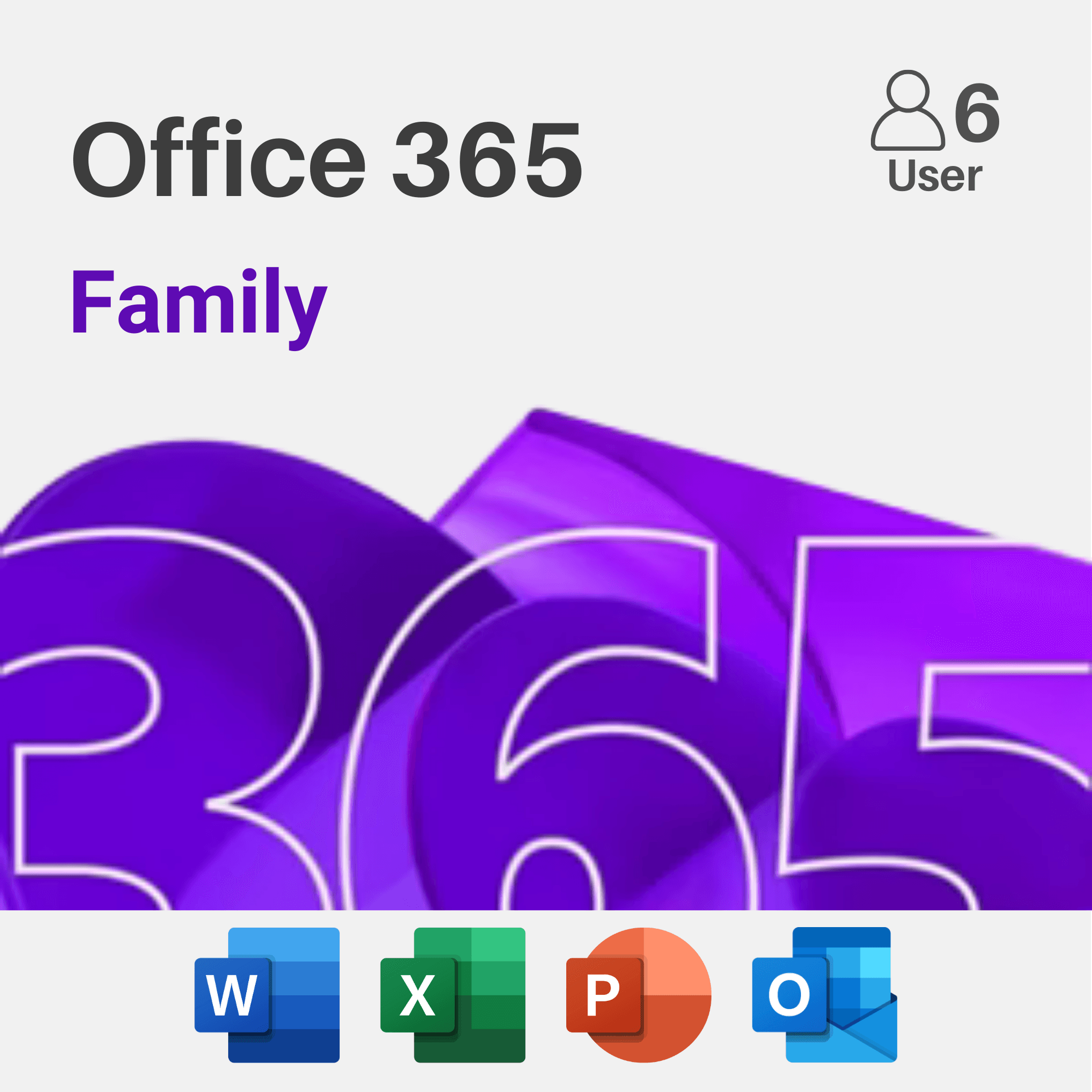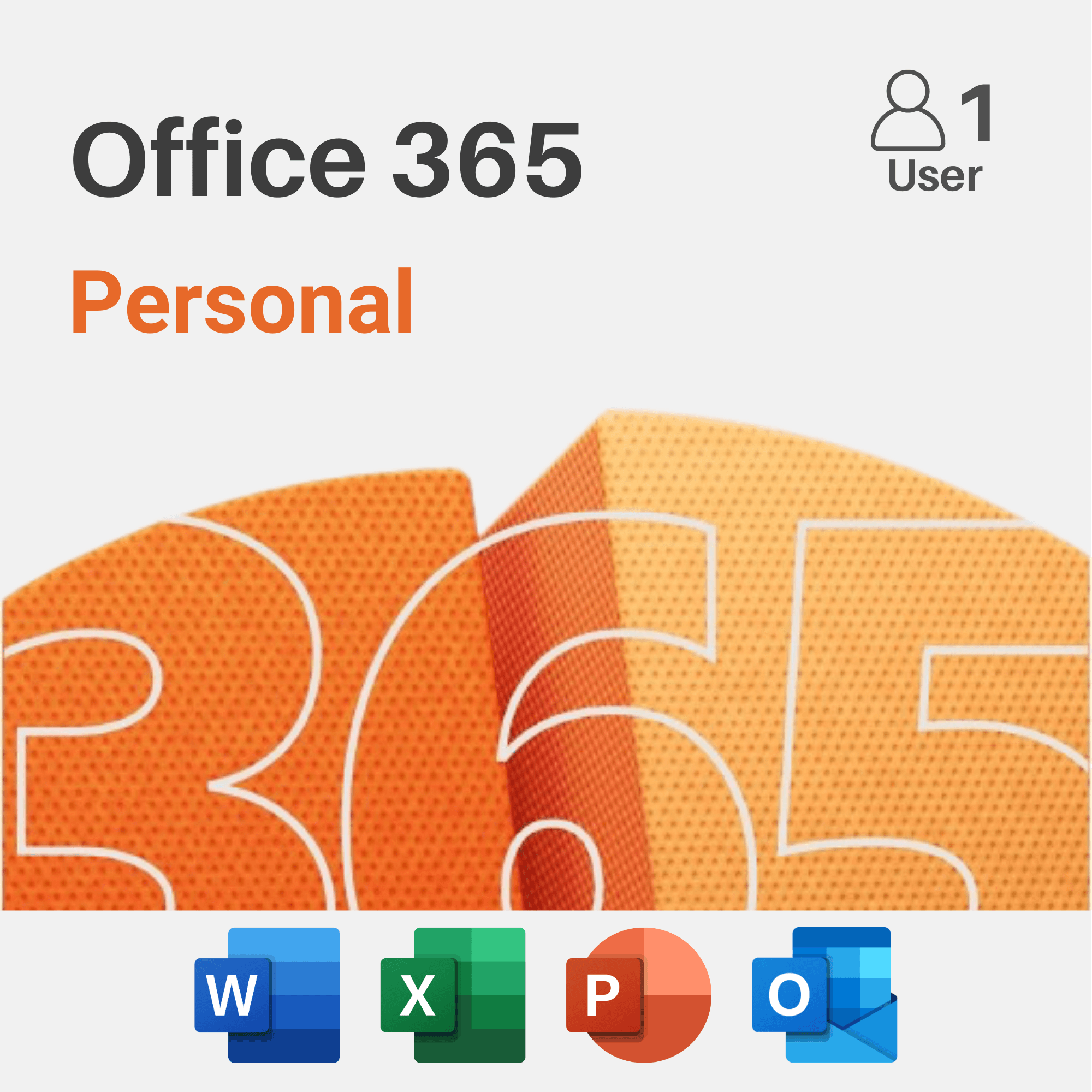
Microsoft 365 Family and Personal run the identical set of apps with identical features — the entire difference is how many people the subscription covers and how the cost splits across a household.
Device and User Coverage
Microsoft 365 Personal covers one person across their own devices (PC, Mac, tablet, phone). Family extends that same coverage to multiple people — typically up to six — each getting their own individual 1TB of OneDrive storage and their own sign-in, not a shared pool.
Cost Comparison for Multiple Users
If more than one or two people in a household need Office, Family becomes noticeably cheaper per person than buying multiple Personal subscriptions separately — this is the entire reason the plan exists.
Privacy Between Family Members
Each person on a Family plan gets their own private OneDrive storage and their own Microsoft account — other members can't see your files, email, or documents by default. It's shared billing, not shared data.
Our Verdict
Choose Personal if you're the only one who needs Office in your household.
Choose Family the moment a second person needs it too — the per-person cost drops enough that it's rarely worth buying separate Personal subscriptions instead.
Shop Microsoft 365
View All